Dwarven Depths
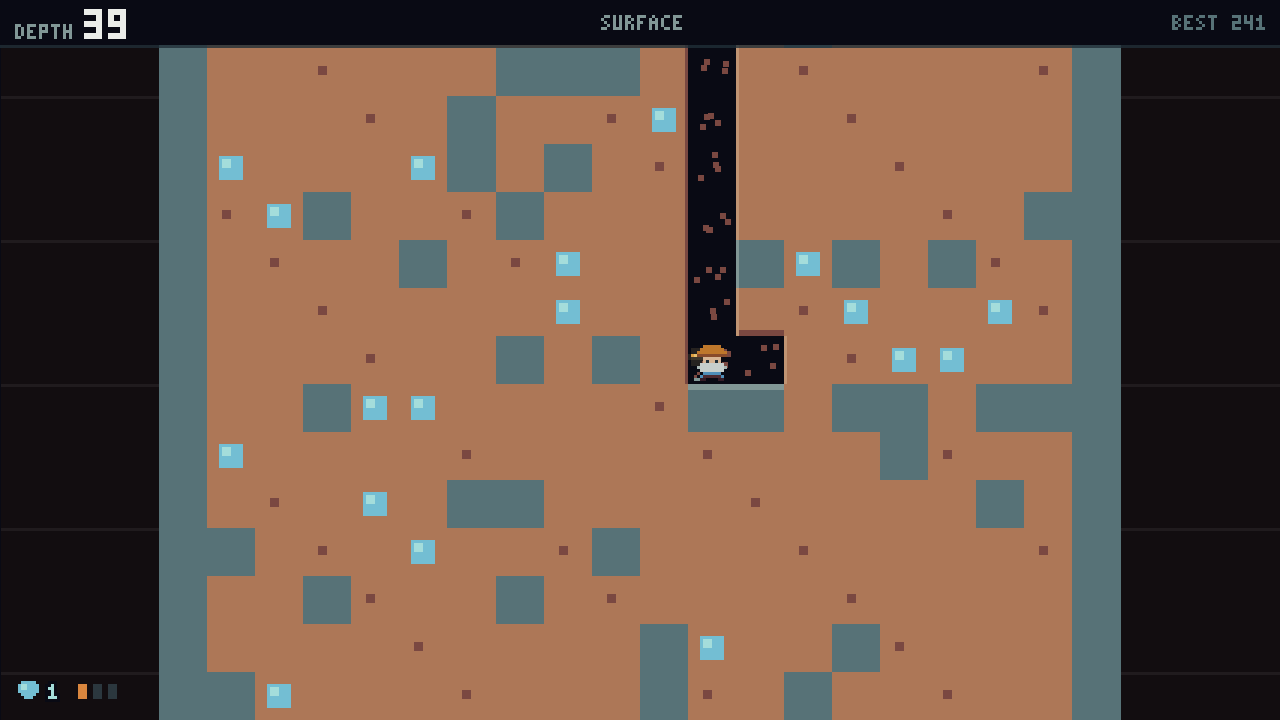
An endless vertical mining roguelite. Dig down, grab the gems, and outrun the water coming up behind you.
Download
Installing on Windows
- Run the installer you downloaded above.
- Windows may show a blue “Windows protected your PC” screen. That is SmartScreen reacting to a new, unsigned installer — not a virus warning. Click More info, then Run anyway.
- Launch from the Start Menu. The game checks for updates itself from then on.
Installing on Linux
-
Unpack it:
tar -xzf DwarvenDepths-*-linux-x86_64.tar.gz -
Mark it executable:
chmod +x DwarvenDepths.x86_64
This is needed because the archive is built on Windows, which cannot record the executable bit. - Run it:
./DwarvenDepths.x86_64 - The game tells you when an update exists but will not install it for you here — it shows the address and you download the new archive. Replacing files under a running program is only safe on Windows, where the installer can close the game first.